Table of Contents

Blazor UI libraries

Default UI with Boostrap

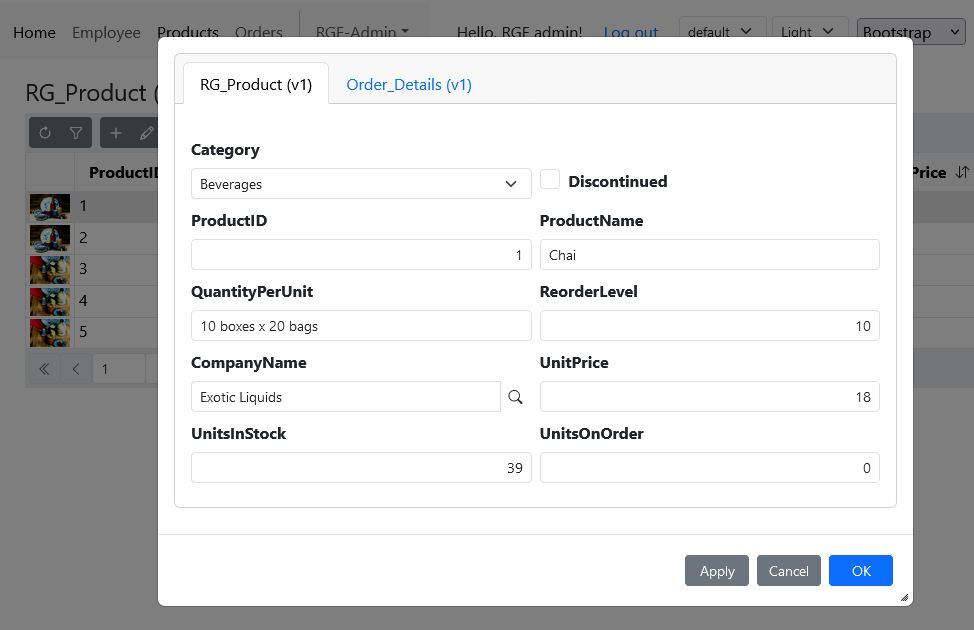
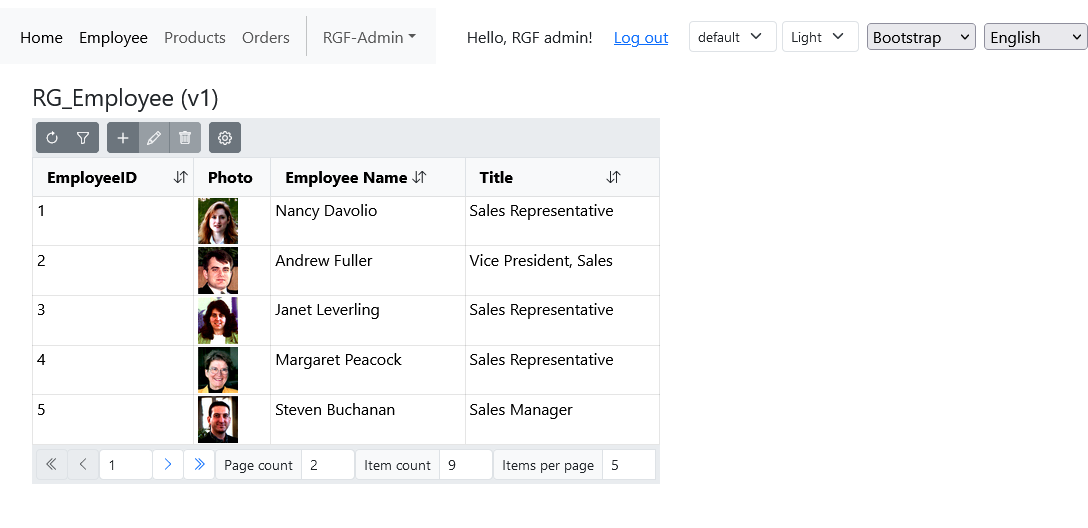
The modern graphical representation of the RecroGrid Framework is developed in the Blazor environment. To use various component libraries, it is sufficient to add the appropriate package to the project, enabling high-functionality client-side rendering without the need for any additional added code. The initialization and interconnection of client and server-side services are described in the following references.

INFO

For more information, visit the library's website: Bootstrap ยท The most popular HTML, CSS, and JS library in the world.
Next step

Blazor 3rd party libraries

The RecroGrid Framework provides the option to create a custom graphical library or offers ready-made solutions using some third-party libraries.

By using the following packages, the RecroGrid Framework is capable of rendering the user interface with the components of the respective library. In this case, instead of the default UI package, you should use and initialize the following packages.

DevExpress

UI is distributed as the RGF.DevExpressUI nuget package.

Install the package using .NET CLI or Package Manager

dotnet add package Recrovit.RecroGridFramework.Client.Blazor.DevExpressUI
Install-Package Recrovit.RecroGridFramework.Client.Blazor.DevExpressUI
var loggerFactory = builder.Services.BuildServiceProvider().GetRequiredService<ILoggerFactory>();
var logger = loggerFactory.CreateLogger<Program>();
builder.Services.AddRgfBlazorWasmBearerServices(builder.Configuration, logger);
builder.Services.AddDevExpressBlazor(configure => configure.BootstrapVersion = BootstrapVersion.v5);

var host = builder.Build();
await host.Services.InitializeRgfBlazorAsync();
await host.Services.InitializeRgfDevExpressUIAsync();
await host.RunAsync();
Warning

DevExpress requires a private NuGet feed. For more information, visit the library's website: DevExpress Blazor UI

Radzen

UI is distributed as the RGF.RadzenUI nuget package.

Install the package using .NET CLI or Package Manager

dotnet add package Recrovit.RecroGridFramework.Client.Blazor.RadzenUI
Install-Package Recrovit.RecroGridFramework.Client.Blazor.RadzenUI
var loggerFactory = builder.Services.BuildServiceProvider().GetRequiredService<ILoggerFactory>();
var logger = loggerFactory.CreateLogger<Program>();
builder.Services.AddRgfBlazorWasmBearerServices(builder.Configuration, logger);
builder.Services.AddScoped<Radzen.DialogService>();

var host = builder.Build();
await host.Services.InitializeRgfBlazorAsync();
await host.Services.InitializeRgfRadzenUIAsync();
await host.RunAsync();
INFO

For more information, visit the library's website: Radzen Blazor Components

Syncfusion

UI is distributed as the RGF.SyncfusionUI nuget package.

Install the package using .NET CLI or Package Manager

dotnet add package Recrovit.RecroGridFramework.Client.Blazor.SyncfusionUI
Install-Package Recrovit.RecroGridFramework.Client.Blazor.SyncfusionUI
var loggerFactory = builder.Services.BuildServiceProvider().GetRequiredService<ILoggerFactory>();
var logger = loggerFactory.CreateLogger<Program>();
builder.Services.AddRgfBlazorWasmBearerServices(builder.Configuration, logger);
builder.Services.AddSyncfusionBlazor();
Syncfusion.Licensing.SyncfusionLicenseProvider.RegisterLicense(builder.Configuration.GetValue<string>("Syncfusion:LicenseKey"));

var host = builder.Build();
await host.Services.InitializeRgfBlazorAsync();
await host.Services.InitializeRgfSyncfusionUIAsync();
await host.RunAsync();
INFO

For more information, visit the library's website: Syncfusion Blazor Components

Telerik

UI is distributed as the RGF.TelerikUI nuget package.

Install the package using .NET CLI or Package Manager

dotnet add package Telerik.UI.for.Blazor
dotnet add package Recrovit.RecroGridFramework.Client.Blazor.TelerikUI
Install-Package Telerik.UI.for.Blazor
Install-Package Recrovit.RecroGridFramework.Client.Blazor.TelerikUI
var loggerFactory = builder.Services.BuildServiceProvider().GetRequiredService<ILoggerFactory>();
var logger = loggerFactory.CreateLogger<Program>();
builder.Services.AddRgfBlazorWasmBearerServices(builder.Configuration, logger);
builder.Services.AddTelerikBlazor();

var host = builder.Build();
await host.Services.InitializeRgfBlazorAsync();
await host.Services.InitializeRgfTelerikUIAsync();
await host.RunAsync();
Warning

Telerik requires a private NuGet feed. For more information, visit the library's website: Telerik Blazor UI

Next step

See Also