Create the Backend API
The backend API is the required server-side foundation of the modern RecroGrid Framework application models. Create it first so the RecroGrid Framework server runtime, business logic, Entity Framework integration, and database access are available before the browser-facing application is configured.
This page covers the RecroGrid Framework API setup that is common to server applications regardless of whether the client reaches the API directly or through a host-side proxy.
Create the backend API application
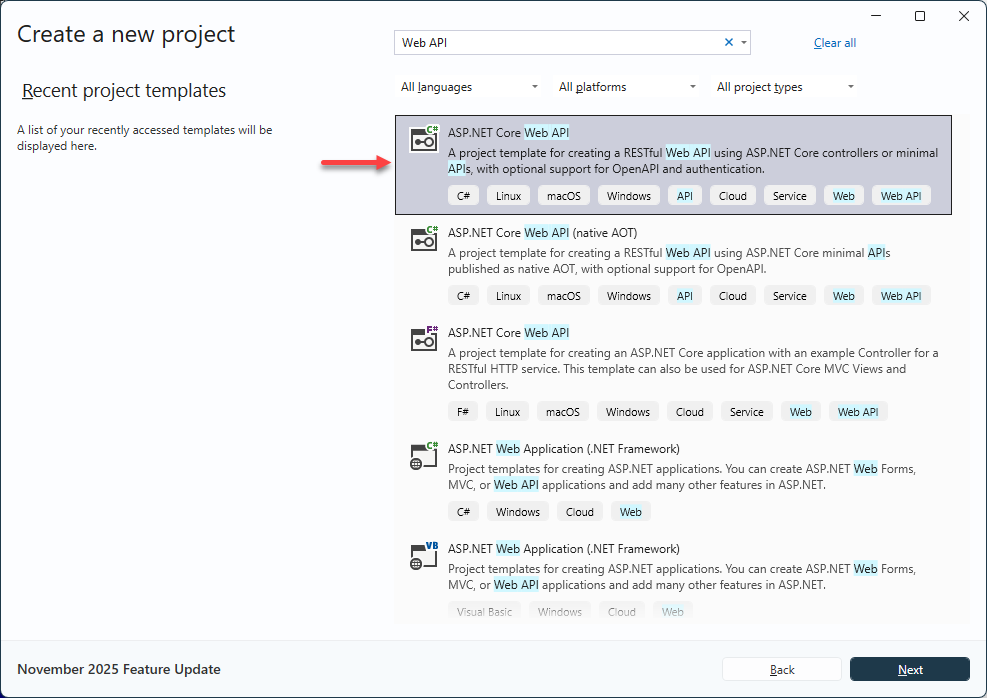
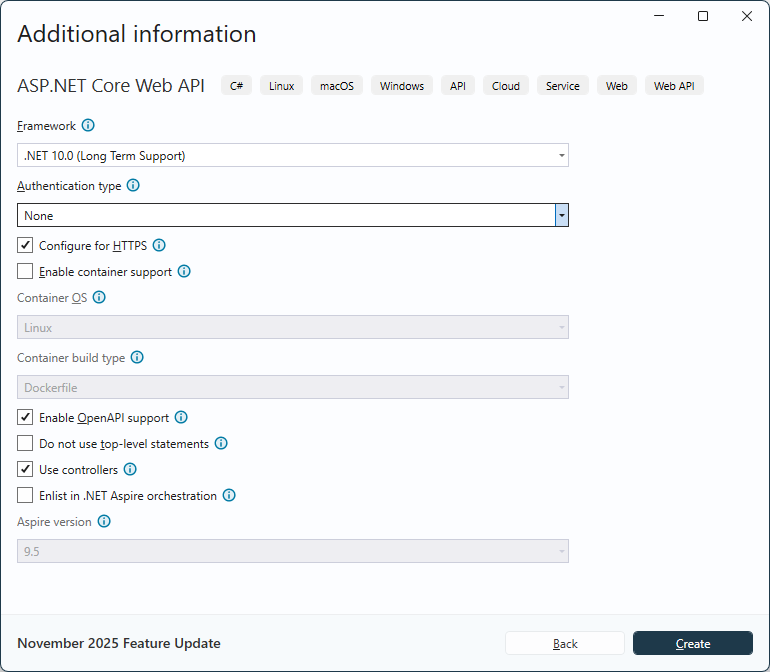
Create an ASP.NET Core Web API application in Visual Studio or with the equivalent ASP.NET Core Web API template flow.
Install the RecroGrid Framework server package
Install Recrovit.RecroGridFramework.Core in the backend API project. It provides the server-side RecroGrid Framework functionality used by AddRGF, AddBaseDbContext, BaseDbContext, BaseDbContextPool, and UseRGF.
dotnet add package Recrovit.RecroGridFramework.Core
Or use Package Manager:
Install-Package Recrovit.RecroGridFramework.Core
Register RecroGrid Framework services
Use the server package registration and application startup pipeline required by the RecroGrid Framework API runtime.
var builder = WebApplication.CreateBuilder(args);

builder.Services.AddControllersWithViews();

builder.AddRGF();
builder.AddBaseDbContext();

var app = builder.Build();

app.UseHttpsRedirection();
app.UseStaticFiles();
app.UseRouting();

app.UseAuthorization();

app.UseRGF<BaseDbContext, BaseDbContextPool, BaseDbContextPool>();

app.MapControllers();

app.Run();
What belongs here
This common API layer includes:
- the RecroGrid Framework server package and API runtime;
AddRGFandAddBaseDbContext;UseRGF;- the controller and application startup configuration needed by the server-side API.
Application-model-specific concerns such as CORS, direct browser bearer-token calls, or host-side proxy routing belong on the dedicated access pages instead of this page.
Continue the complete solution workflow
After the backend API application and RecroGrid Framework server runtime are in place, configure the database and Entity Framework integration used by this API.